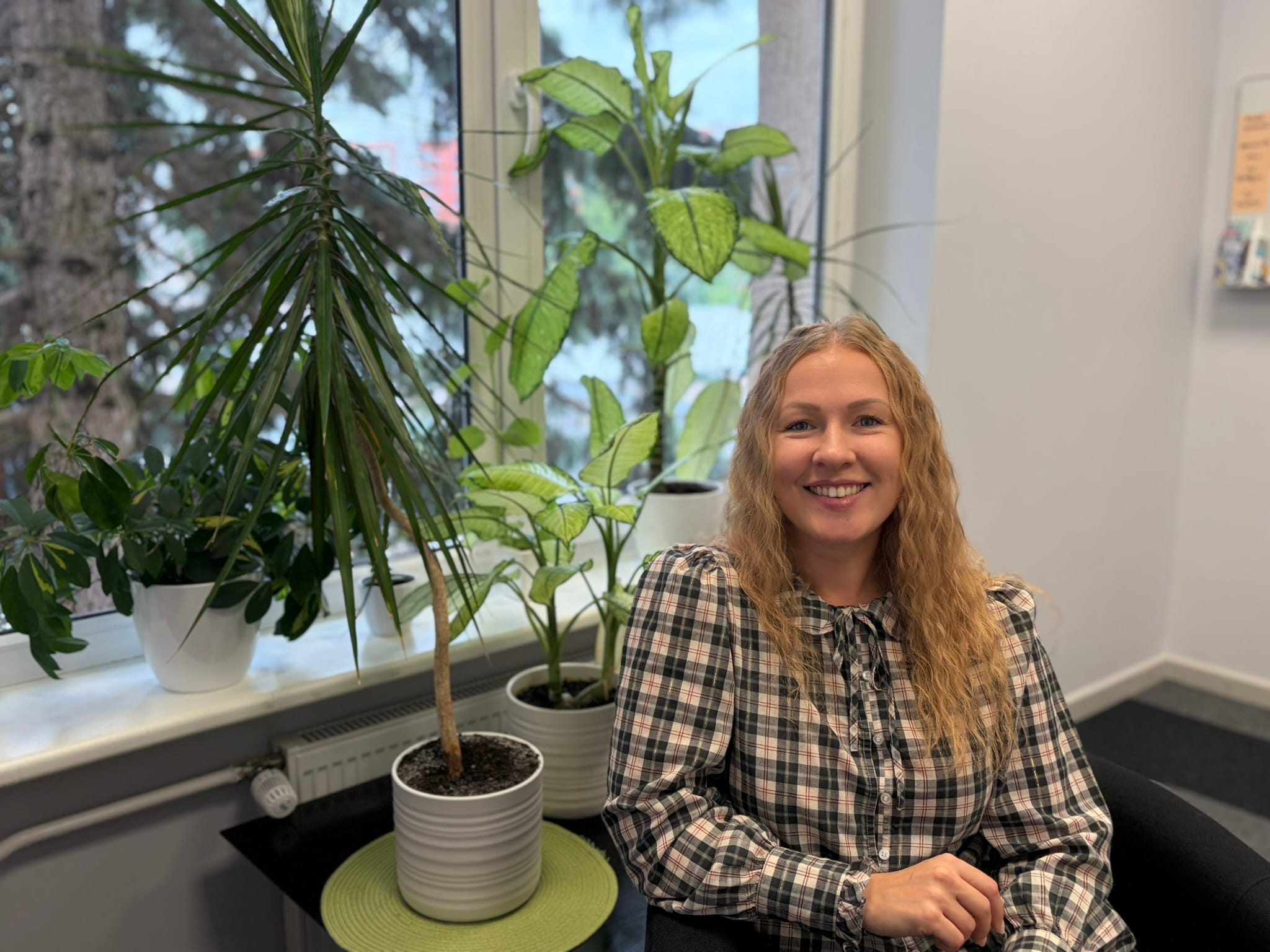
Click. Change. Next slide. Repeat. Most of us would just sigh and get started. Greta Salimovaitė, HR manager at Greencarrier, decided to find a smarter way instead. She saved 6,000 manual mouse clicks on the computer in a day and learned to use AI automation at work, without knowing a single coding language.
– As a self-proclaimed tech-savvy person, I’m always very smug when I discover new functions or find smarter ways to use the systems we already have, she says.
Greta Salimovaitė is HR Manager at Greencarrier Service Center in Klaipeda, dividing her time between local responsibilities and global HR tasks. Her ten-year anniversary at Greencarrier is just around the corner – but her path into HR wasn’t carefully planned.
– One thing led to another, and I am happy it did. I love it here, because my role is ever-changing and never boring.
For Greta Salimovaitė, that is exactly what makes the job rewarding.
– Tasks, projects and situations are constantly changing. Because of that, I get many opportunities to try new approaches, learn something new and meet many different people.
How Greta started automating repetitive tasks
Greta’s interest in automation at work started long before AI tools became part of everyday work. Many years ago, she was faced with creating 100 pages with the same information but different values. Instead of filling them in by hand, she found a way to make a Word document fill itself automatically with data from a connected Excel sheet.
– I use it every year now, it’s not something big but it saves me a little time and prevents possibility of mistakes when doing one by one
A few years ago, she started working with AI tools and AI automation – and quickly found her best use case: generating small pieces of code.
– Even though I don’t know any coding languages, I’m now able to confidently write prompts that give me working code as a result.
This year, she took it one step further and learned how PowerShell scripts work. The idea came from her own frustration: she needed to edit 50 presentations, each with at least 13 slides and several text boxes per slide, for example, to increase the font size in every single one.
– I hate doing repetitive tasks, even when they’re necessary. So, I started wondering if there was a smarter way to do it.
Instead of clicking through every slide, she asked AI to help her write a script that did the job for her. The result: 6,000 mouse clicks saved in a single day.
People who make the difference
Over the years, Greta has recruited new colleagues, on boarded new leaders, and helped implement new systems. But she is quick to point out that those achievements are always a team effort – and that the people are a big part of what makes Greencarrier a great place to work.
But when Greta talks about what has kept her at Greencarrier for almost ten years, it is not only the variety of her work that comes up. It is also the possibility to be part of something bigger. One example she brings up is the Greencarrier Blue Initiative, through which Greencarrier supports projects, researchers and organizations working to protect our planet and oceans.
– I smile every time a new project is shared.
For Greta, working smarter doesn’t start with knowing how to code. It starts with being curious enough to ask whether there might be a better way. So what would she tell colleagues who want to automate their own tasks?
– Just try it out. Some ideas might not work out, but some will – and the more you try, the more you learn. A good place to start is to think of a repetitive or annoying task and simply ask your AI tool for suggestions on how to automate it.
Get to know more of our employees HERE.